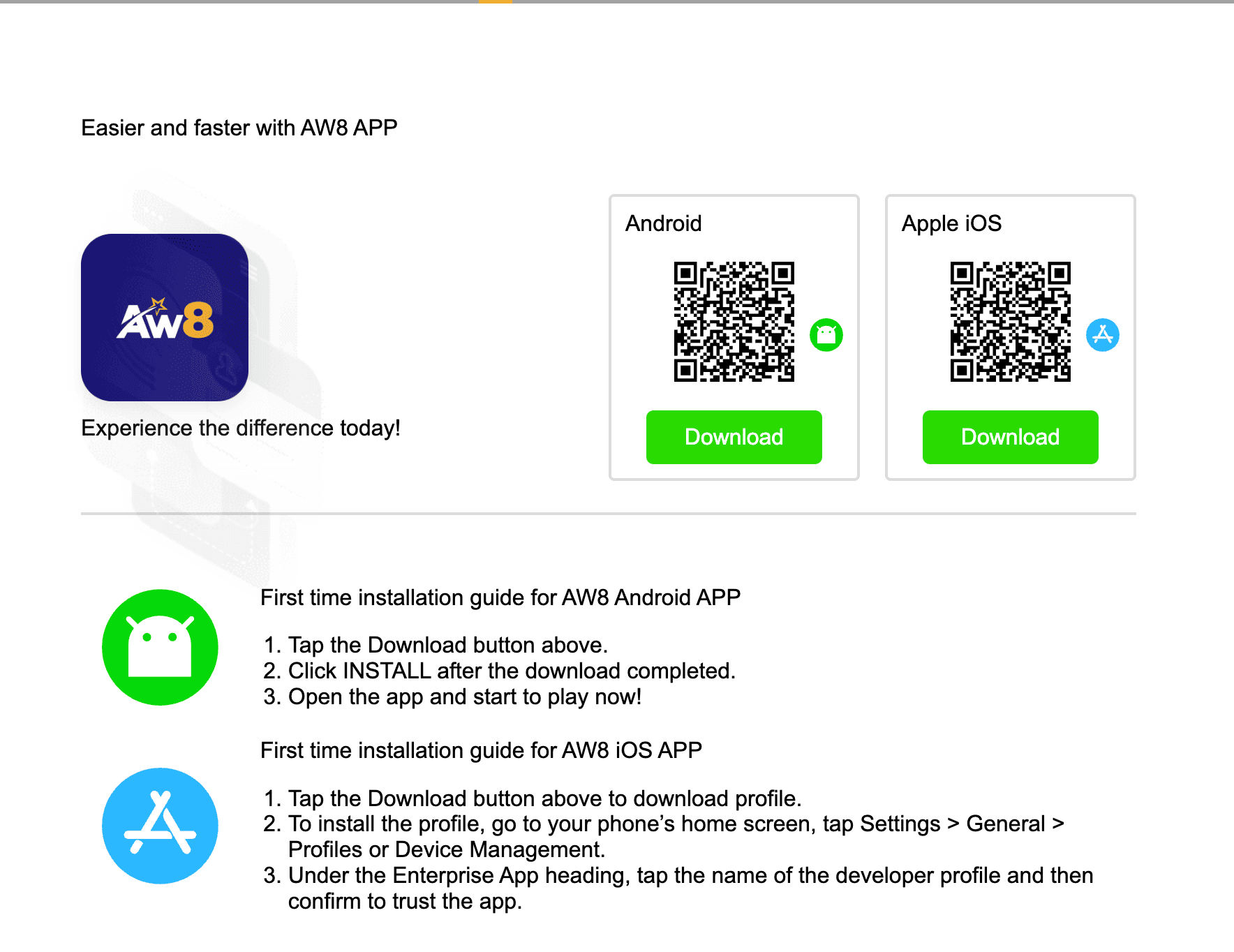
AW8 provides native apps for both Android and iOS. That is not the norm among Malaysian-focused platforms – several competitors are browser-only. The Android APK downloads directly via QR code from the AW8 website, bypassing Play Store entirely. The iOS app is available through the App Store. Both carry the full platform: 1,500+ games, all five sportsbooks, deposits, withdrawals and account management.
Installed and tested on Samsung Galaxy A55 (Android 13) and iPhone 14 Pro (iOS 17). Android app loaded the full lobby in 3.1 seconds on Maxis 4G. iOS loaded in 2.8 seconds on the same network. Live baccarat held HD quality throughout a 40-minute session without buffering.
No account yet? Register free. Takes under 2 minutes.
Android – APK Download via QR Code
Requirements
Android 5.0 or higher
60 MB free storage
2 GB RAM minimum – 3 GB for live casino streaming
4G or Wi-Fi for live games; 3G works for slots and sports
Installation Steps
Scan the QR code on the AW8 app page at aw88.my, or tap the direct APK download link
Allow the download – the APK saves to your Downloads folder
Enable unknown sources: Settings – Security – Install Unknown Apps – enable for your browser. One-time step
Tap the APK file in Downloads and tap Install
Open AW8 and log in
Tested on Android 13 (Samsung Galaxy A55) and Android 12 (Xiaomi Redmi Note 12). Total time from QR scan to first login: 38 seconds on Celcom 4G. On Android 14, one additional permission prompt appeared for Install Unknown Apps – standard OS behaviour.
Only download from aw88.my. APKs shared through Telegram groups or third-party APK sites may be modified versions. AW8 distributes through no unofficial channels.
iOS – App Store
The AW8 iOS app is on the Apple App Store. Search ‘AW8 Casino’ or ‘Acewin8’, or use the QR code on the download page.
iOS 12.0 minimum
iPhone 6s and above, iPad 5th generation and above
App Store account required
Open the App Store and search ‘AW8 Casino’
Tap Get and authenticate
App installs automatically
Open and log in. Enable Face ID in Settings after first standard login
iOS app tested on iPhone 14 Pro (iOS 17.3). App Store download took 22 seconds on Wi-Fi. Face ID login setup completed in 8 seconds. First live casino table loaded in under 3 seconds on 4G.
App Features
Full 1,500+ game library: slots, live casino, fishing, poker, e-sports, 3D games, lottery
All five sportsbooks: Maxbet, M8-Sports, CMD368, SBOBET, Bet Radar – same odds as desktop
Biometric login: fingerprint on Android, Face ID on iOS
Push notifications: bonus drops, withdrawal confirmed, match alerts
All payment methods: EeziePay, Help2Pay, bank transfer, USDT TRC20
Live Chat support: accessible within the app in English, Malay and Chinese
Performance by Game Type
Slots: standard titles load 2-4 seconds on 4G. Pragmatic Play and JILI fastest. Microgaming cinematic titles 4-7 seconds on mid-range devices
Live casino: stable 4G or Wi-Fi recommended. HD maintained through 40-minute sessions on Maxis/Celcom 4G. Low Quality stream mode available for weaker connections
Sports betting: lightweight, loads instantly on 3G. All five sportsbooks update odds in real time
Fishing games: mobile-optimised format. All tested titles ran without lag on Android 5.0+ devices
Troubleshooting
APK fails to install
Confirm ‘Install Unknown Apps’ is enabled for your specific browser (Chrome, Samsung Internet, Firefox – not just globally). Verify 60 MB free storage. Re-download the APK from aw88.my if the file may have partially downloaded.
App crashes after update
Clear app cache: Settings – Apps – AW8 – Storage – Clear Cache. If crashing persists, uninstall and reinstall the latest version from aw88.my. Account data is stored server-side, not on your device.
iOS app not found in App Store
Ensure your App Store region is Malaysia (MY). Go to Settings – Apple ID – Media and Purchases – Country/Region. After switching to MY, search ‘AW8 Casino’.
Live casino buffering
Select Low Quality in the live table settings. Close background apps. If buffering persists on a strong signal, try a different provider’s table – individual studio maintenance affects specific tables temporarily.